Segment
Stream events from Segment into JustAI so your experiments can measure conversions and custom events.
How it works
Section titled “How it works”- You add a Webhooks (Actions) destination in Segment that forwards your chosen events to JustAI’s webhook endpoint.
- JustAI joins those events with the messages each user received to measure results.
Before you start
Section titled “Before you start”- Your JustAI org slug — usually your company name in lowercase (ask us if you’re not sure).
- A JustAI API key — create one in the JustAI Console.
Set up the destination
Section titled “Set up the destination”-
Log in to Segment.
-
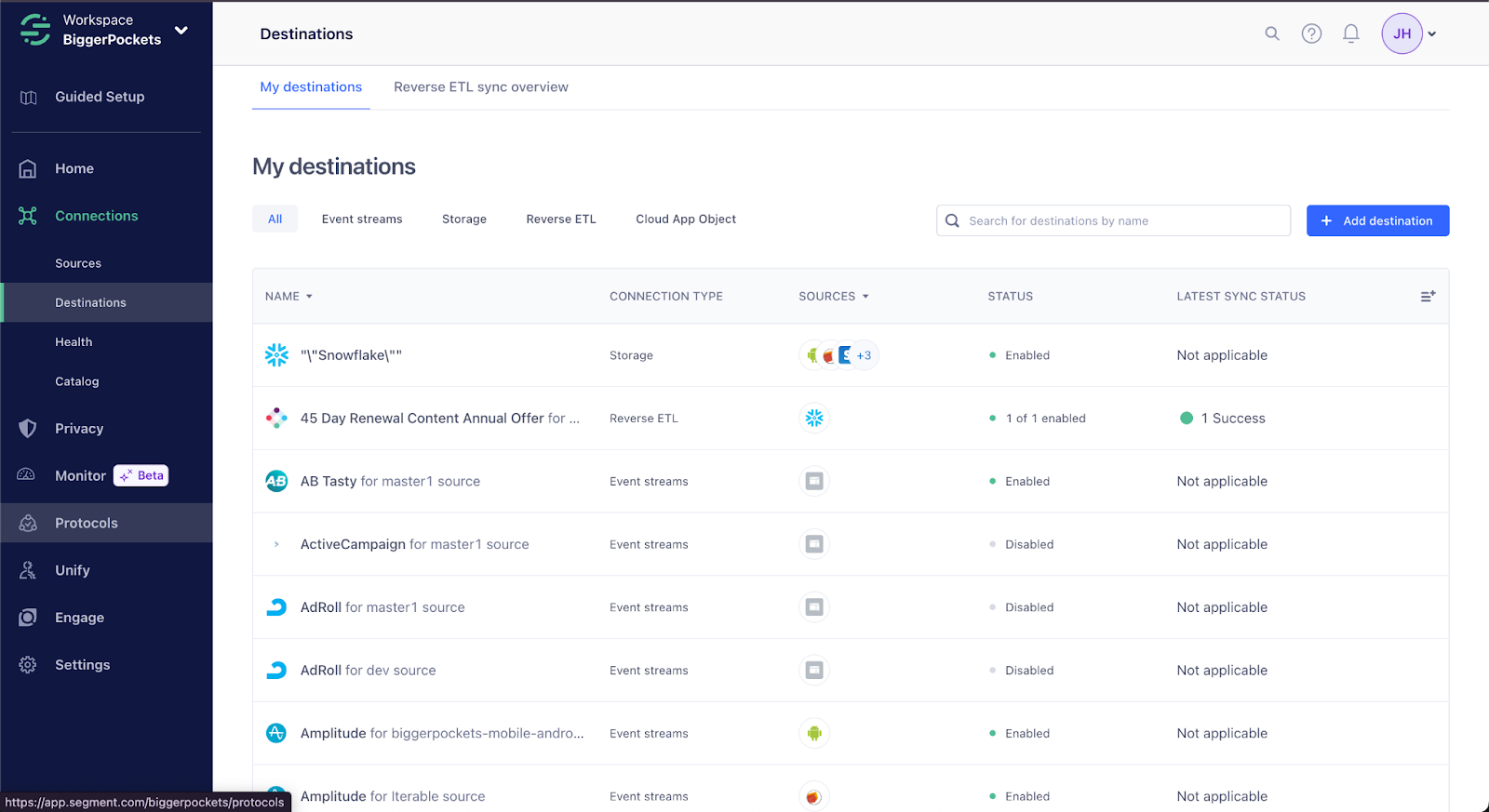
Navigate to “Destinations” and click “Add destination”.
-
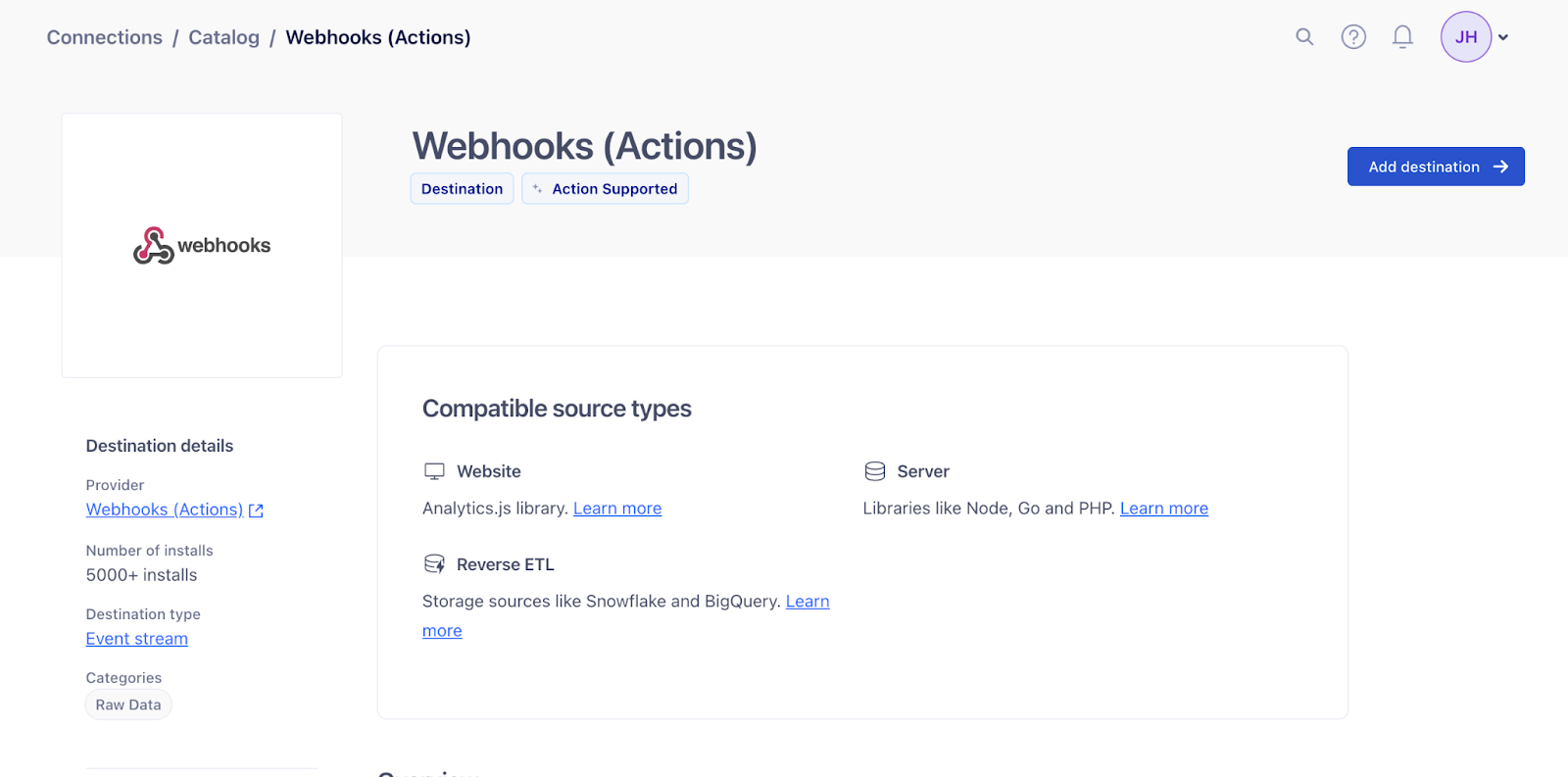
Choose “Webhooks (Actions)”.

-
Click “Add destination”.
-
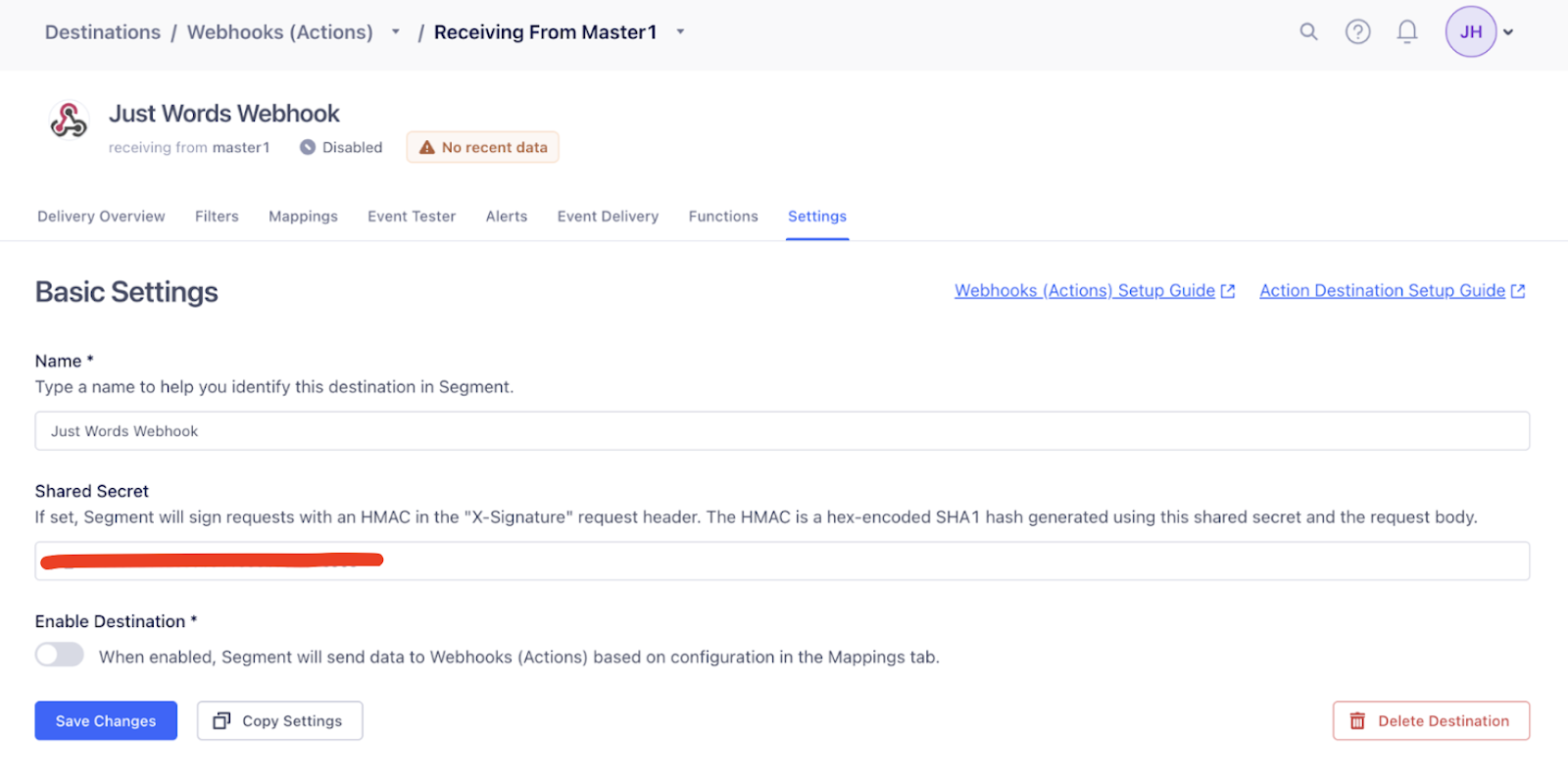
Select a data source, set the “Destination name” to “JustAI Webhook”, and leave the dropdown menu as “Fill in settings manually”.

-
Choose “Create destination”.
-
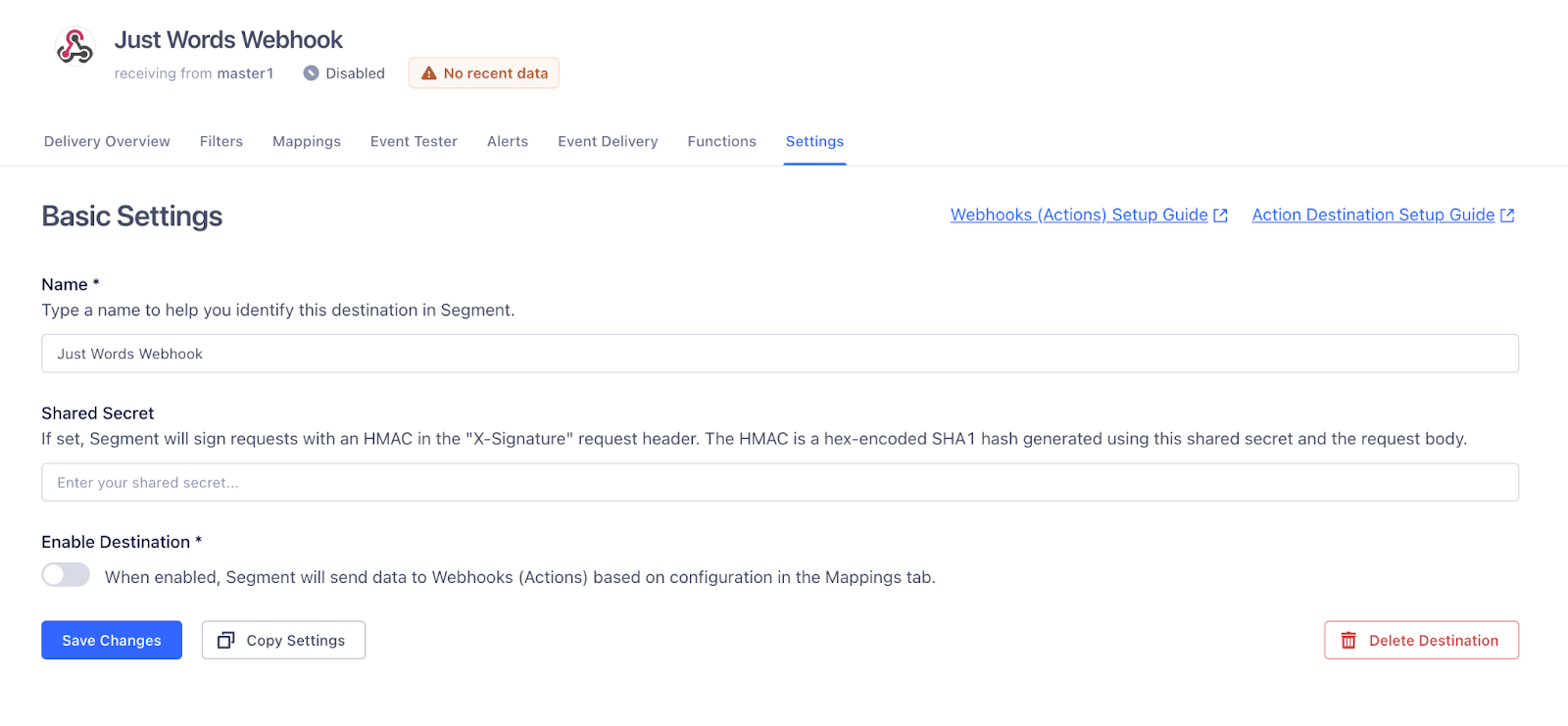
Set a “Shared Secret” using your JustAI API key.
-
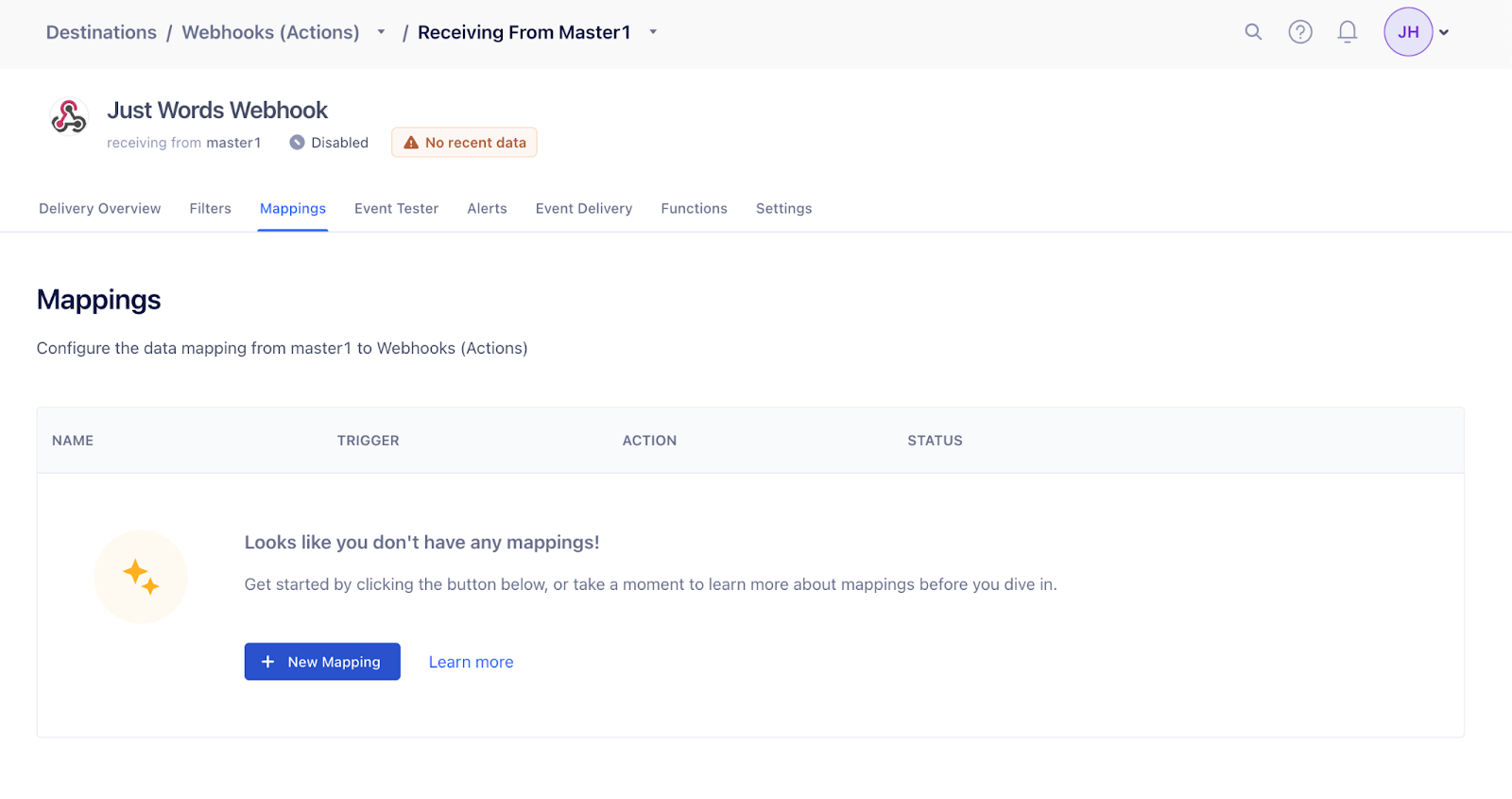
Click “New Mapping” in the Mappings tab.
-
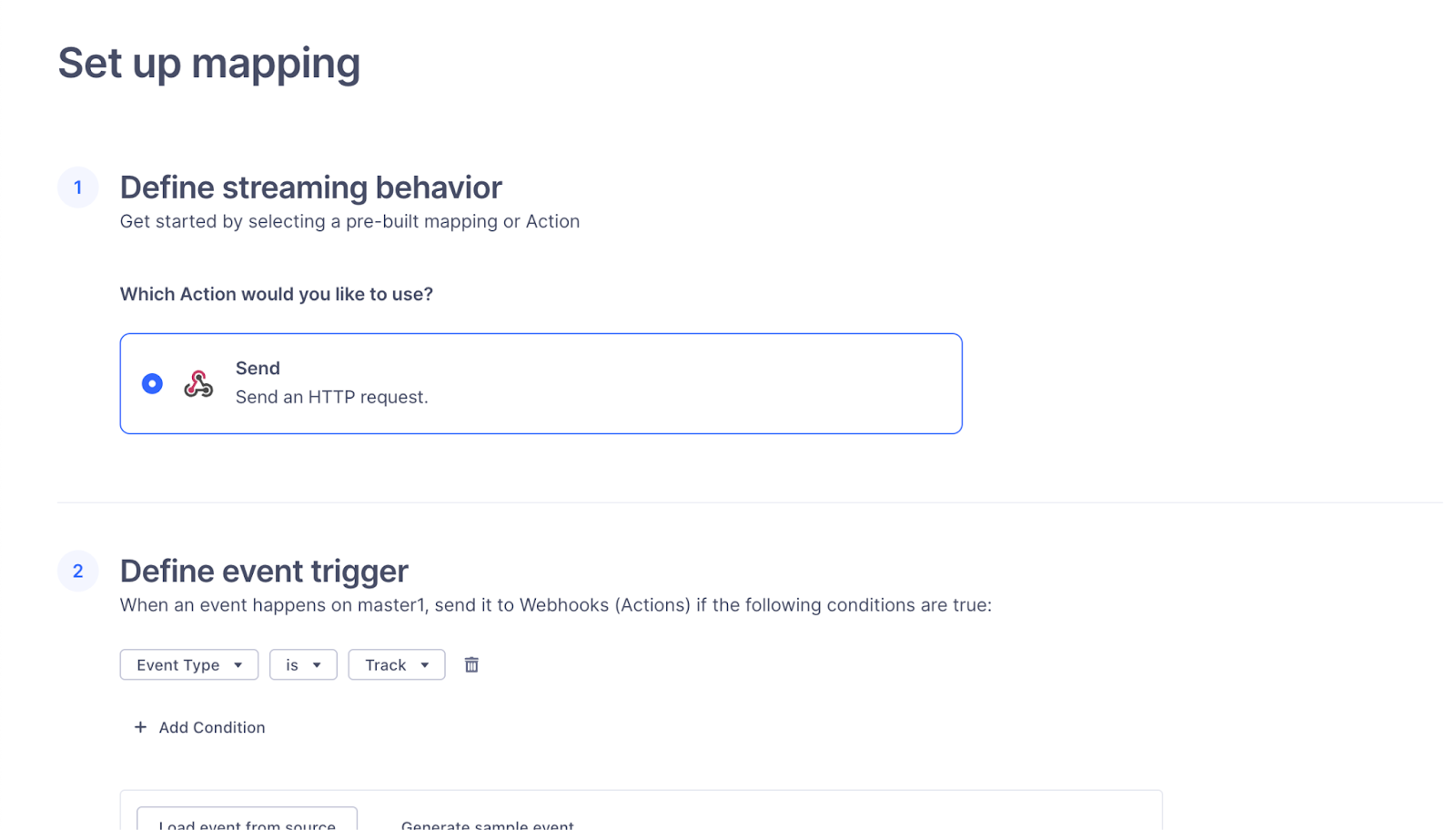
Set up a mapping and define the event trigger. The most open-ended option is “Event Type”, but you can narrow it down to specific events.
-
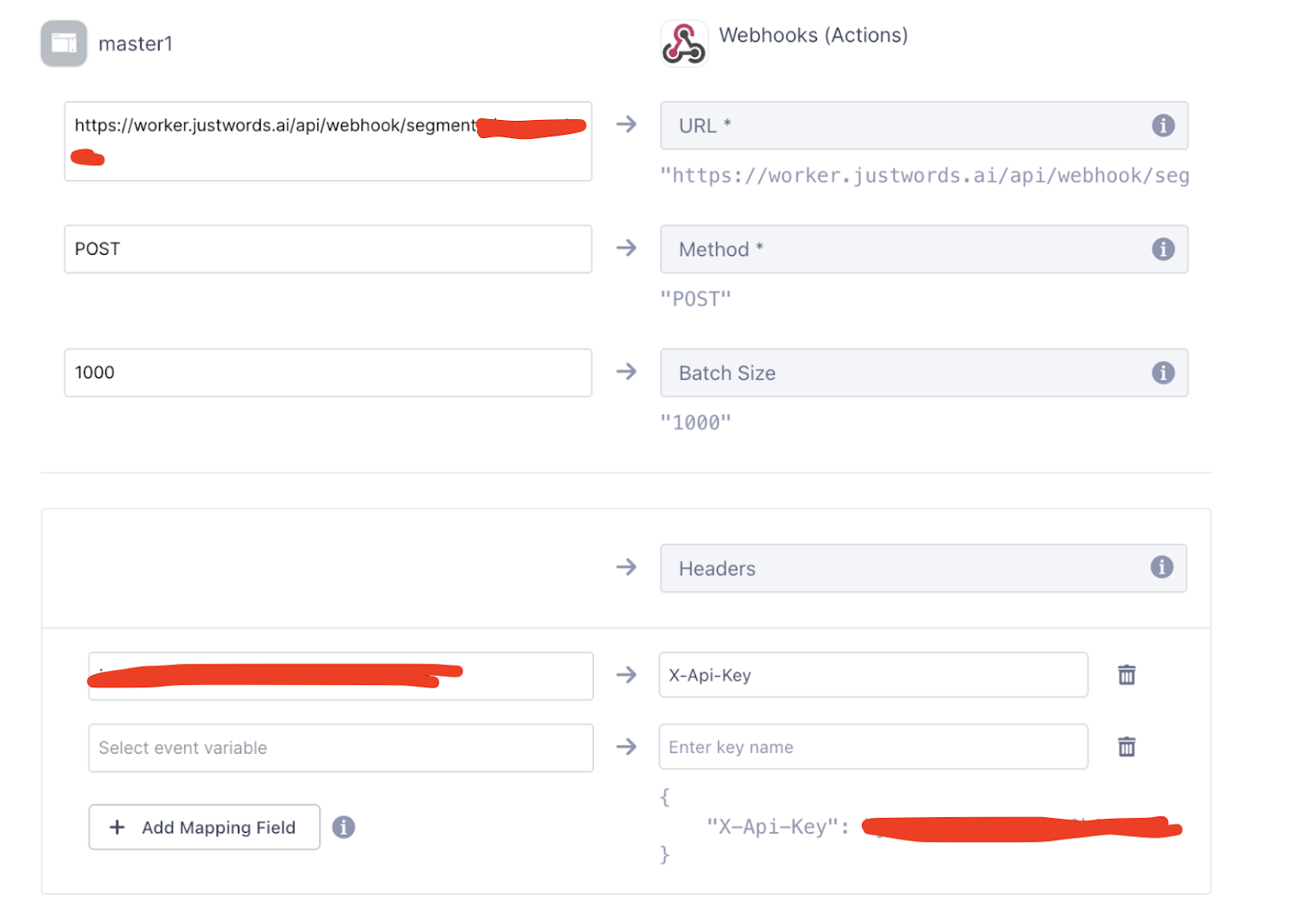
Configure the mapping settings:
- Set the destination URL to
https://worker.justwords.ai/api/webhook/segment/<org_slug> - Set the method to POST
- Set the Headers to “X-Api-Key” with your JustAI API key as the value
- Set the Batch Size to 1000 (a reasonable starting point — adjust based on your source’s data volume, and ask us if you’re not sure)
- Set the destination URL to
-
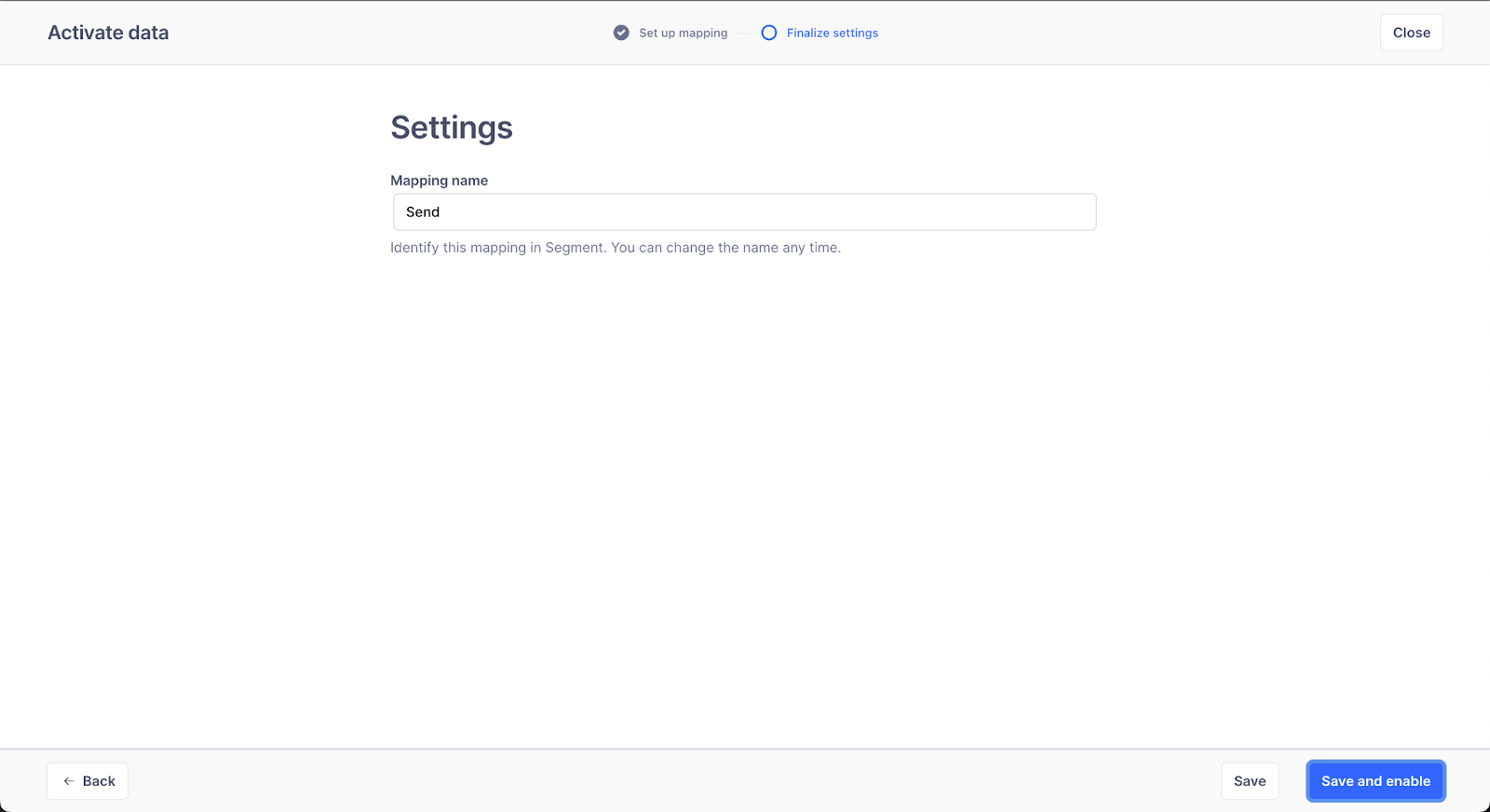
Press “Next”, then save and enable the webhook.
-
Under Settings, toggle “Enable Destination” and click “Save Changes”.
Verify it’s working
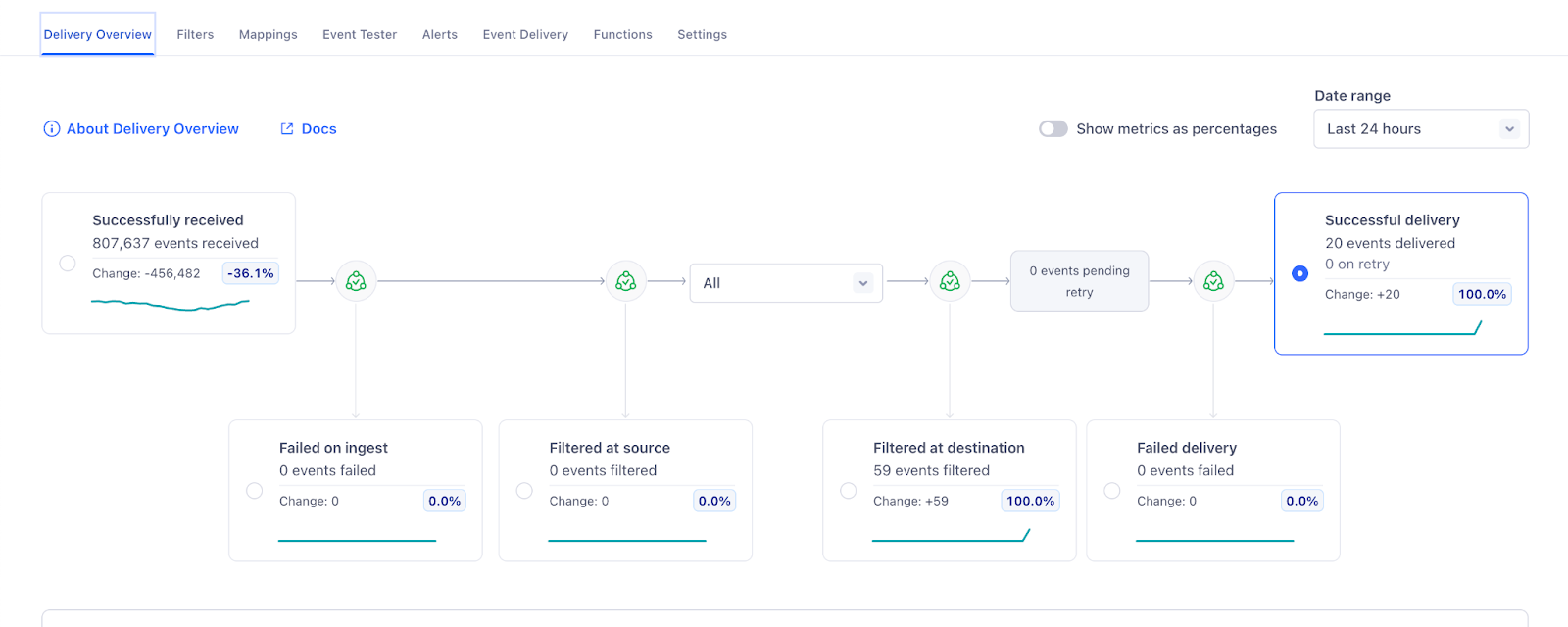
Section titled “Verify it’s working”After some time, you should start seeing traffic to the destination in Segment.