
RudderStack
Send user events and profile updates from your RudderStack sources to JustAI using two Webhook destinations.
How it works
Section titled “How it works”| Destination | Sends | Webhook URL |
|---|---|---|
| JustAI Track | User events (track) | https://ingest.justwords.ai/api/track/<org_slug> |
| JustAI Identify | User profile updates (identify) | https://ingest.justwords.ai/api/identify/<org_slug> |
Track sends user actions and their properties to JustAI. Identify sends user traits to update profiles. Route each event type to its matching destination.
Identify requires a nonempty userId string (not just whitespace). Anonymous-only Identify events with an anonymousId but no userId are unsupported: the endpoint returns 400 and no traits are applied. Filter these events out of the Identify destination. Track events can use either userId or anonymousId.
Before you start
Section titled “Before you start”- Your JustAI org slug — ask your JustAI contact if you’re unsure.
- A JustAI API key for that organization. Use the key provided by your JustAI contact as the
X-Api-Keyheader value in both destinations. Keep it private.
Set up the destinations
Section titled “Set up the destinations”Repeat these steps for JustAI Track and JustAI Identify:
-
Log in to the RudderStack dashboard.
-
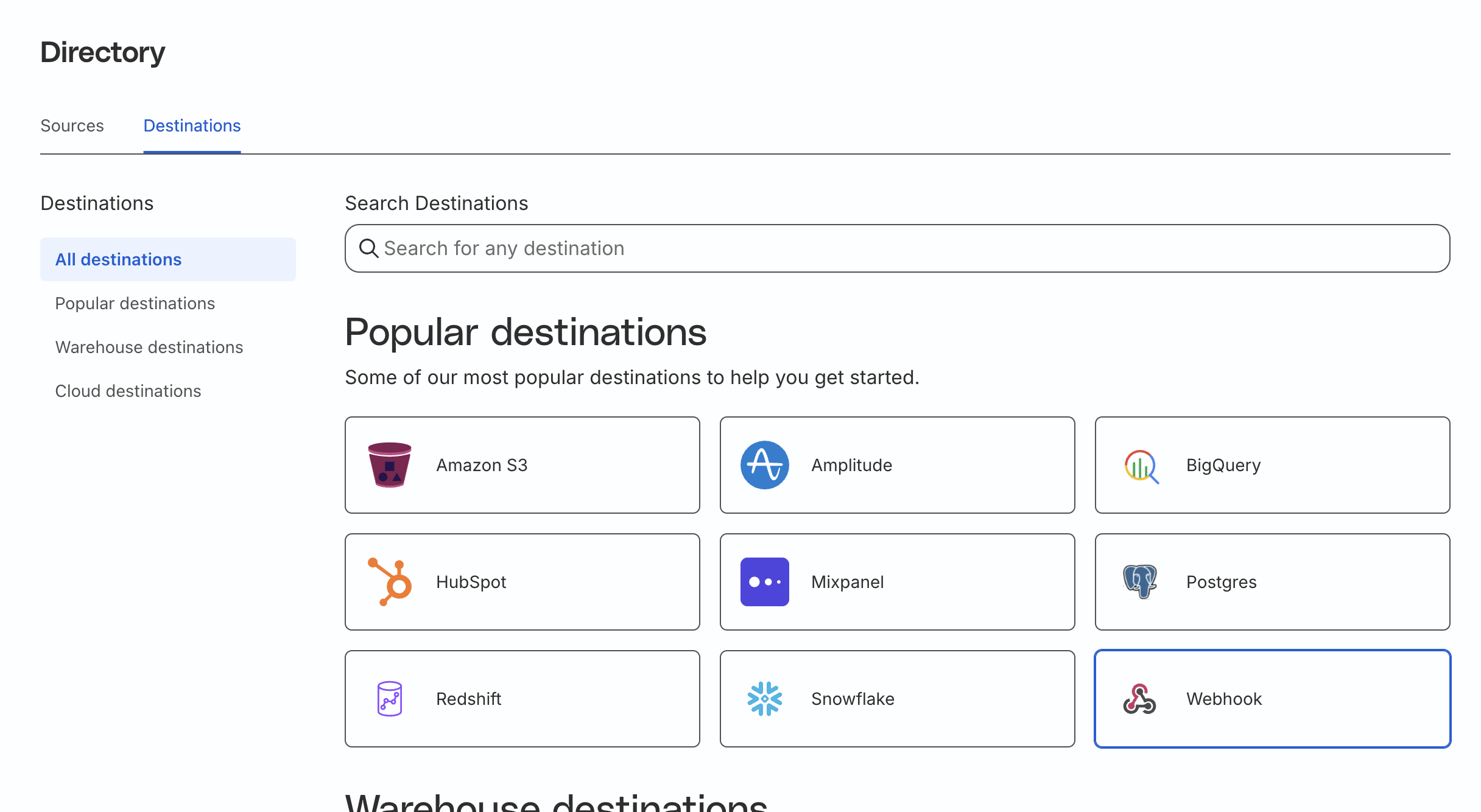
Navigate to “Directory”, select the “Destinations” tab, and choose “Webhook”.
-
Name the destination JustAI Track or JustAI Identify.
-
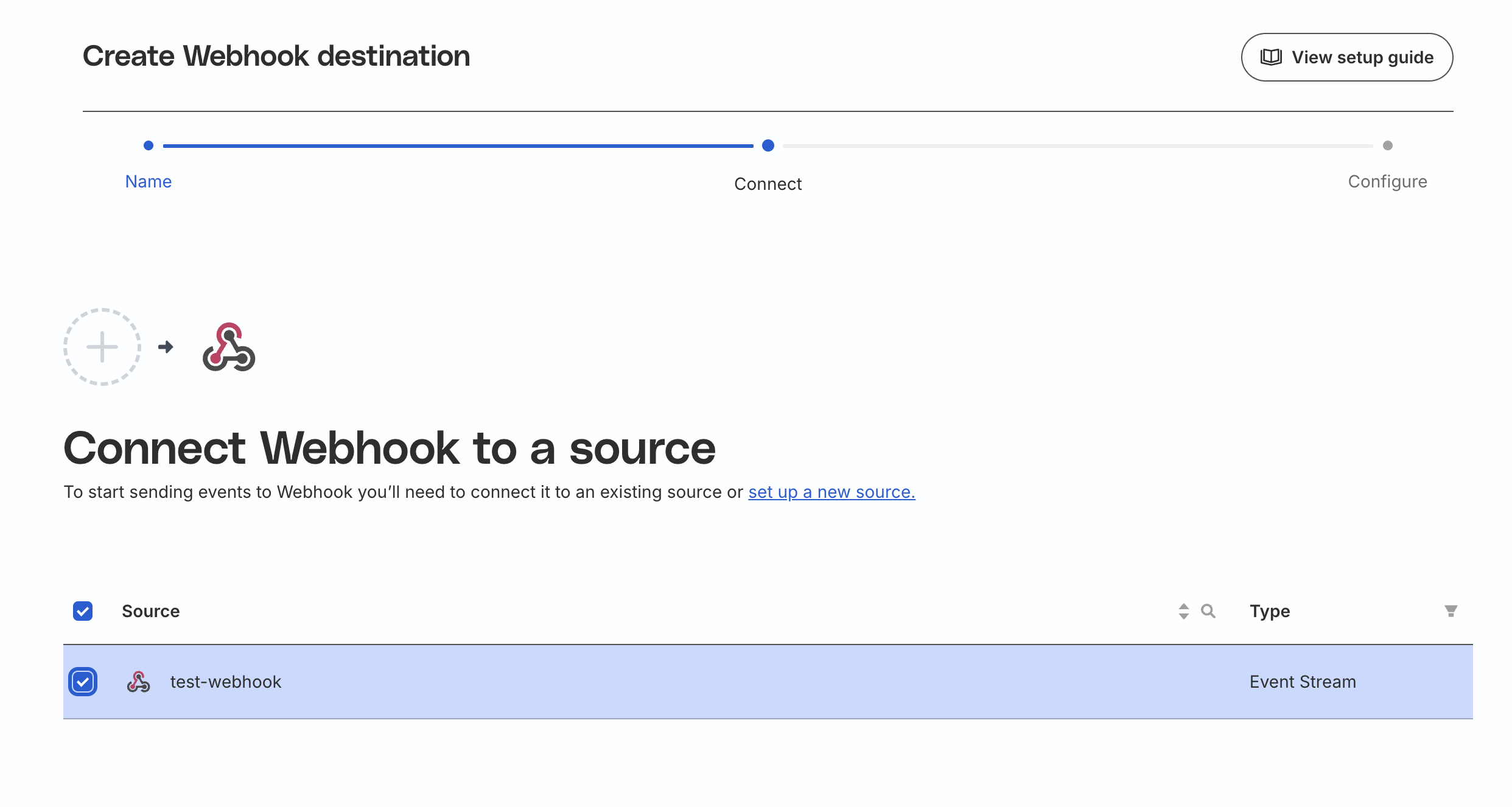
Select the source(s) whose events or profile updates should be sent to JustAI.
-
Configure the Connection Settings:
- Set Webhook URL to the matching URL in the table above, replacing
<org_slug>with your organization’s slug. - Set URL Method to POST.
- Add a header with key X-Api-Key and your JustAI API key as the value (
<YOUR_JUSTAI_API_KEY>is a placeholder, not the key to enter). - Send the request body as JSON with Content-Type: application/json.
- Set Webhook URL to the matching URL in the table above, replacing
-
Configure event routing so JustAI Track receives only
trackevents and JustAI Identify receives onlyidentifyevents with a nonemptyuserIdstring. Use a destination transformation to filter byevent.typeand, for Identify, requiretypeof event.userId === "string" && event.userId.trim().length > 0before forwarding. Preserve the original event payload for matching events. -
Continue through the remaining steps and save the destination.
Verify it’s working
Section titled “Verify it’s working”Check each destination separately using a test user:
- Send a
trackevent from a connected source. Confirm successful delivery to JustAI Track in RudderStack, then confirm the event arrived in JustAI with your JustAI contact. - Send an
identifyevent with a nonemptyuserIdand a profile trait update for the same user. Confirm successful delivery to JustAI Identify in RudderStack, then confirm the updated trait in JustAI with your JustAI contact. - Confirm each event type was forwarded only to its matching destination, and that an anonymous-only
identifyevent is filtered out before reaching JustAI.
Successful webhook delivery confirms that the request reached the endpoint; check the event and profile separately to verify the resulting data.
Migrate an existing destination
Section titled “Migrate an existing destination”If you already send events to https://worker.justwords.ai/api/webhook/events/<org_slug>, update that destination to use the Track URL above and forward only track events. Add a separate Identify destination for profile updates, using the same organization’s API key.
After verifying both destinations, disable any duplicate legacy forwarding so the same events are not sent through both setups.